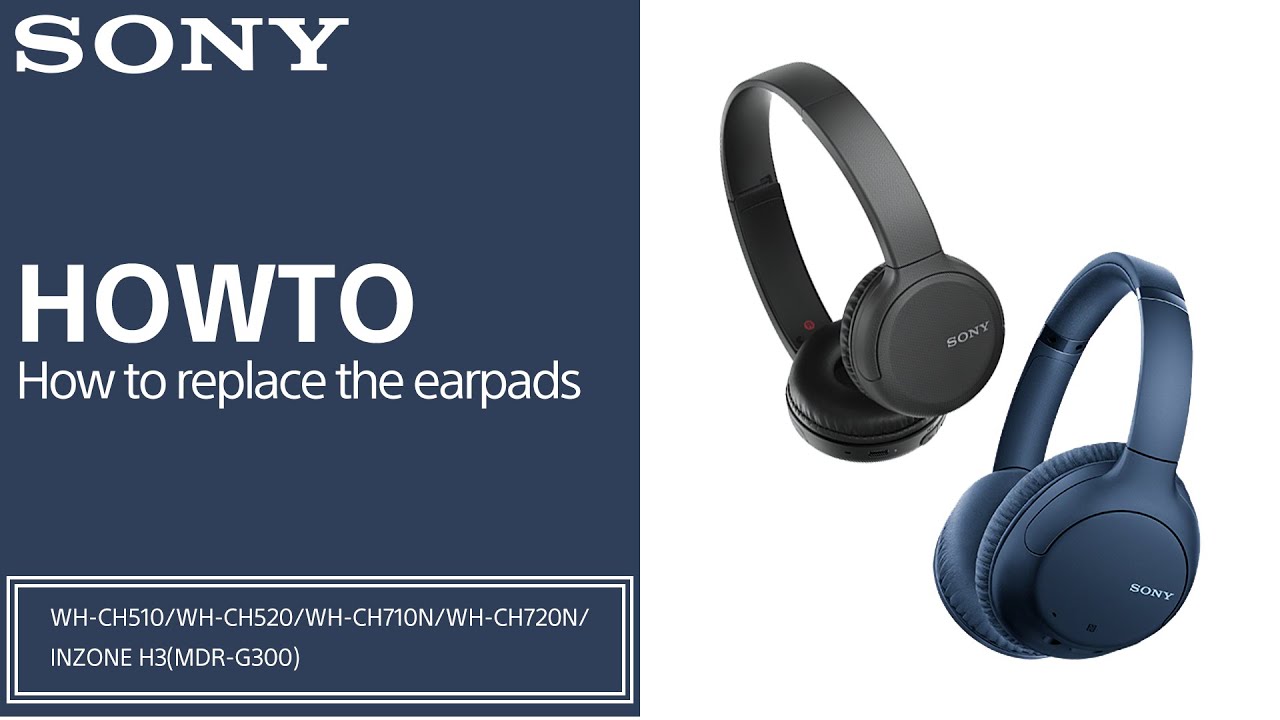
IMPORTANT: This article applies only to specific products and/or operating systems. Check Applicable Products and Categories for details.
Before you start
Before replacing the earpads, make sure that the headphones are turned off.
Remove the earpads
Hint: You can view a video on how to remove the earpads in the Reference video section of this article.
-
Insert your fingers into the inside of the earpad and then spread outward to let the earpad pop up and separate from the headphones.
Hint: If the earpad is hard to remove, try loosening it with your fingers to make it softer and easier to remove.
- Once the earpad comes off about halfway, the rest can be removed. Gently lift along the edge of the housing to remove the earpad from the headphones. Then, repeat the same steps to remove the earpad on the other side.
Install the replacement earpads
Hint for WH- CH710N, WH-CH720N only:
Check the 2 slots at the top and bottom inside the headphones. You can also see 2 arrows to mark the top and the bottom inside the housing where the earpad is removed. Ensure the slot and arrow are properly aligned to prevent the earpad from attaching loosely.
- Insert the inside of the earpad into the groove on the top of the headphones.
- Gently fit the earpad into the headphones from top to bottom.
- Once the earpad is inserted halfway around, shift the direction of the headphones so that you can attach it more easily, and then insert the remaining half.
- After the earpad is fully inserted, use your fingers to adjust the earpad so that it is well-fitted into the headphones. Make sure that there are no floating parts above the headphones.
Reference Video
You can view a video on how to remove the earpads (using the WH-CH710N as an example):