IMPORTANT: This article applies only to specific products and/or operating systems. Check Applicable Products and Categories for details.
Smartphone gaming is fast becoming one of the most popular and competitive trends in the gaming world. A quick browse through the Google Play Store, and you'll find yourself downloading multiple games each time you visit. The Game Enhancer application comes preloaded on your Xperia smartphone, which converts your smartphone into a portable gaming powerhouse. Discover why Xperia smartphones are now the official partner for worldwide tournaments in 2022.
Introduction to Xperia Game Enhancer
Xperia Game Enhancer is one of the most exciting additions to the smartphone gaming world. Gain an advantage over your opponents by personalizing your gaming experience in one powerful and easy to use app.
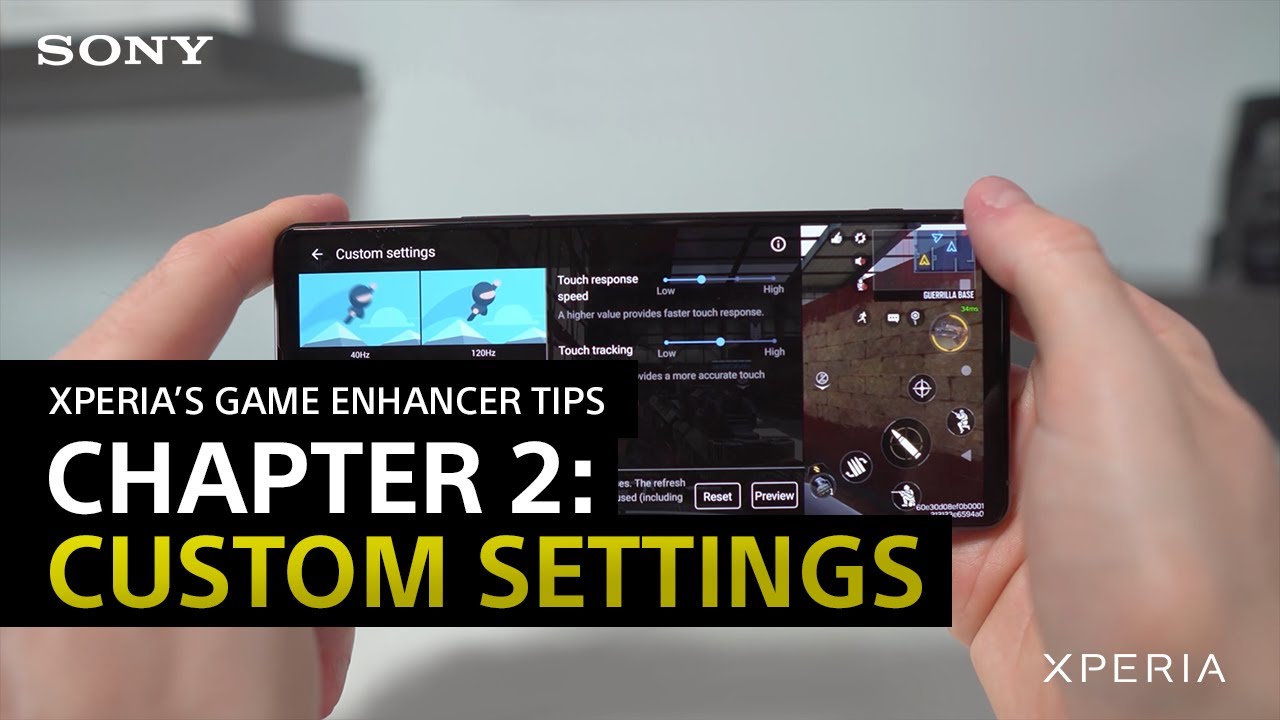
Create custom settings
Set personalized settings for each game you play. Customize your screen refresh rate, touch response speed, and touch sensitivity through the Game Enhancer application.
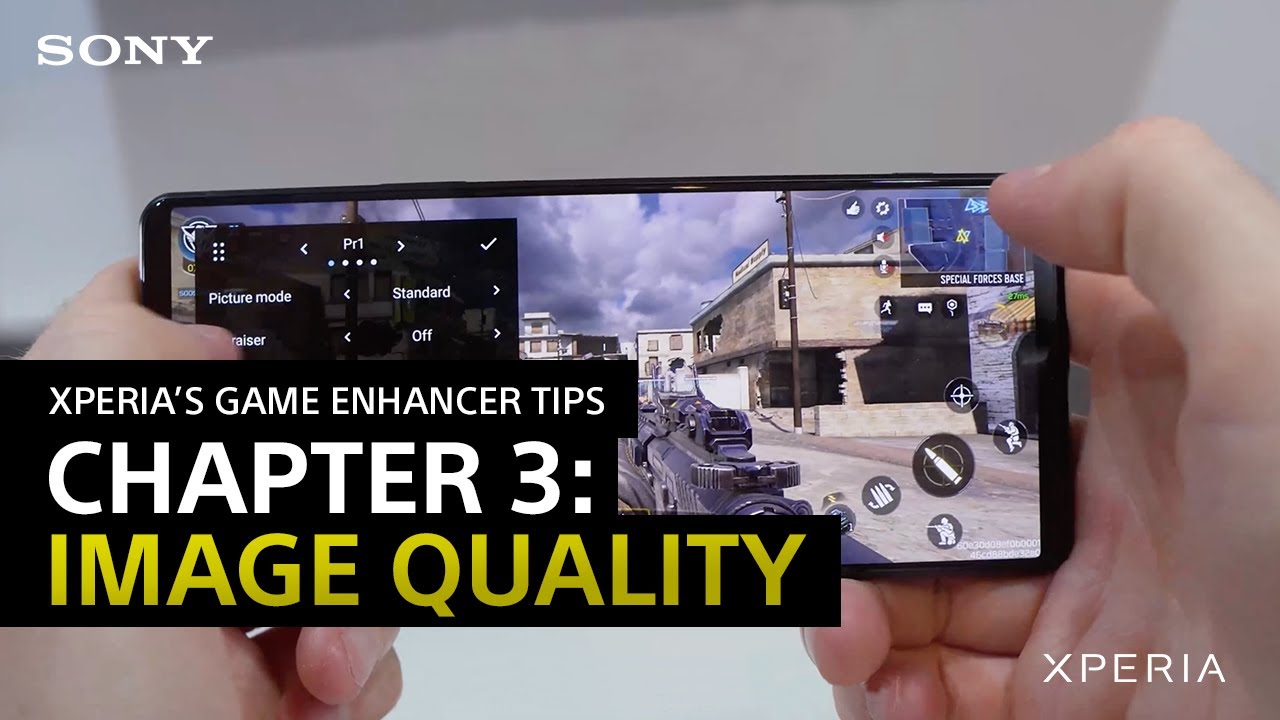
Personalize image quality settings
Tune your image quality settings on a game-by-game basis to gain an edge over your opponents. You can also save multiple presets and switch between them to save time or keep your settings consistent across different games. Compatible games are playable at up to 120 Hz. Heavy gaming uses a lot of power, and you may find your phone warming up occasionally. The game enhancer app preemptively scales down content to 60 Hz to retain smooth gameplay while protecting your phone from overheating.
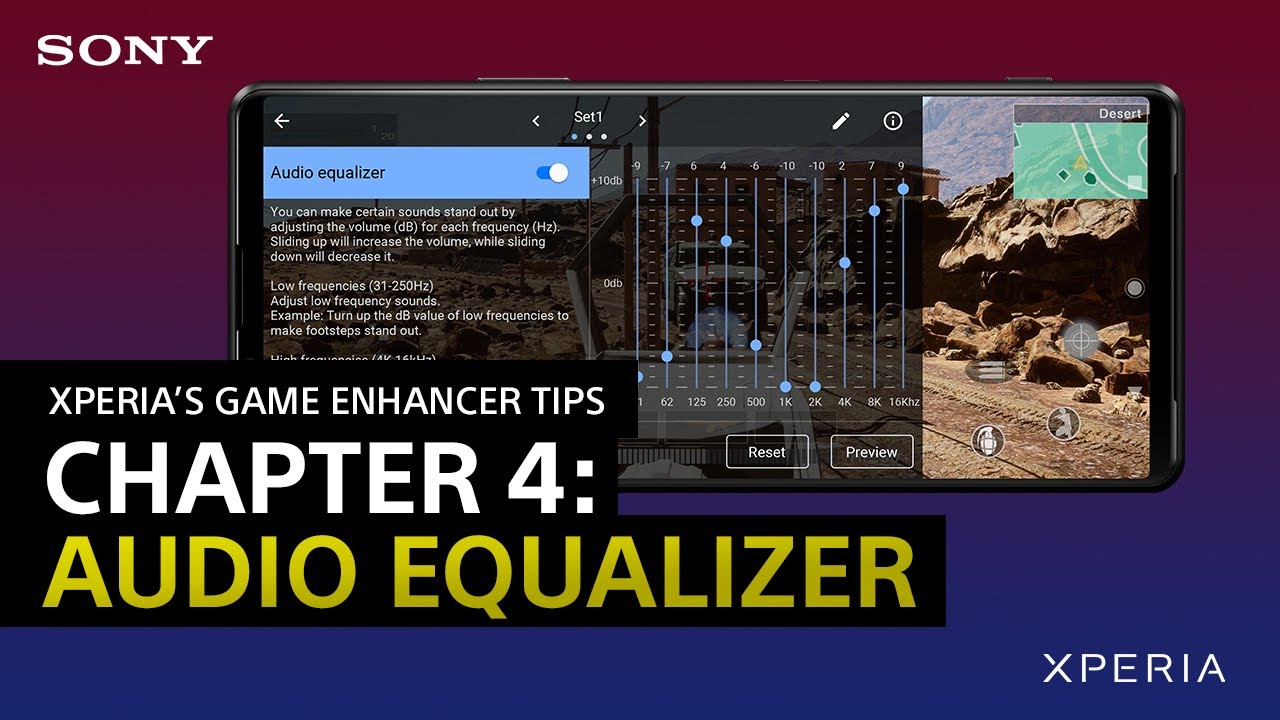
Fine tune your sound settings
Find the perfect soundscape using the audio equalizer. Tune out unwanted ambient sounds in-game and focus on sounds that give you an edge over your opponents. Additionally, play around with the voice chat settings to optimize the sound of your voice on your phone's mic or an external one.
Enable H.S. power control for high-performance gaming
We recommend enabling H.S. power control for longer gaming sessions and optimal smartphone performance. It's ideal for preserving your battery from long term degradation and keeps your phone running smoothly.
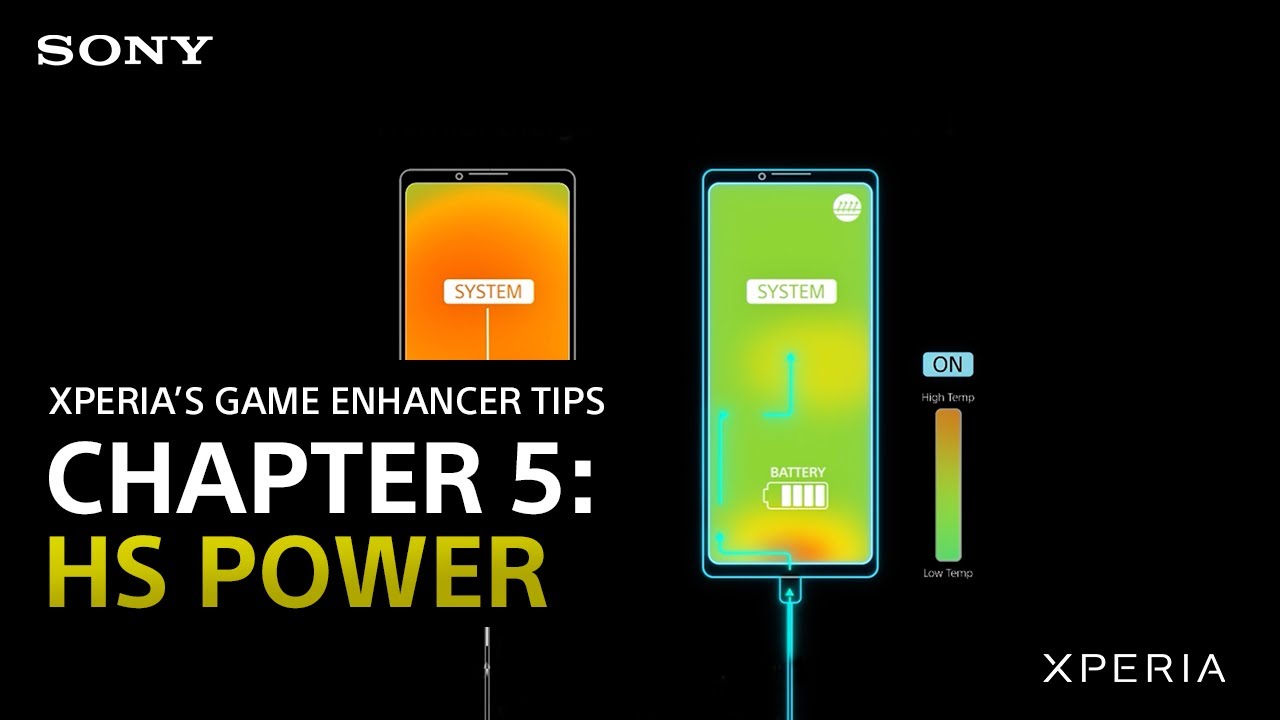
Concentrate with Focus Settings
Stay focused throughout your gaming session by blocking out all notifications like calls and alerts. Choose which notifications you want to block manually or turn on Competition set to block all notifications automatically. Disable the camera button, side sense, adaptive brightness and navigation bar for a distraction free gaming session.
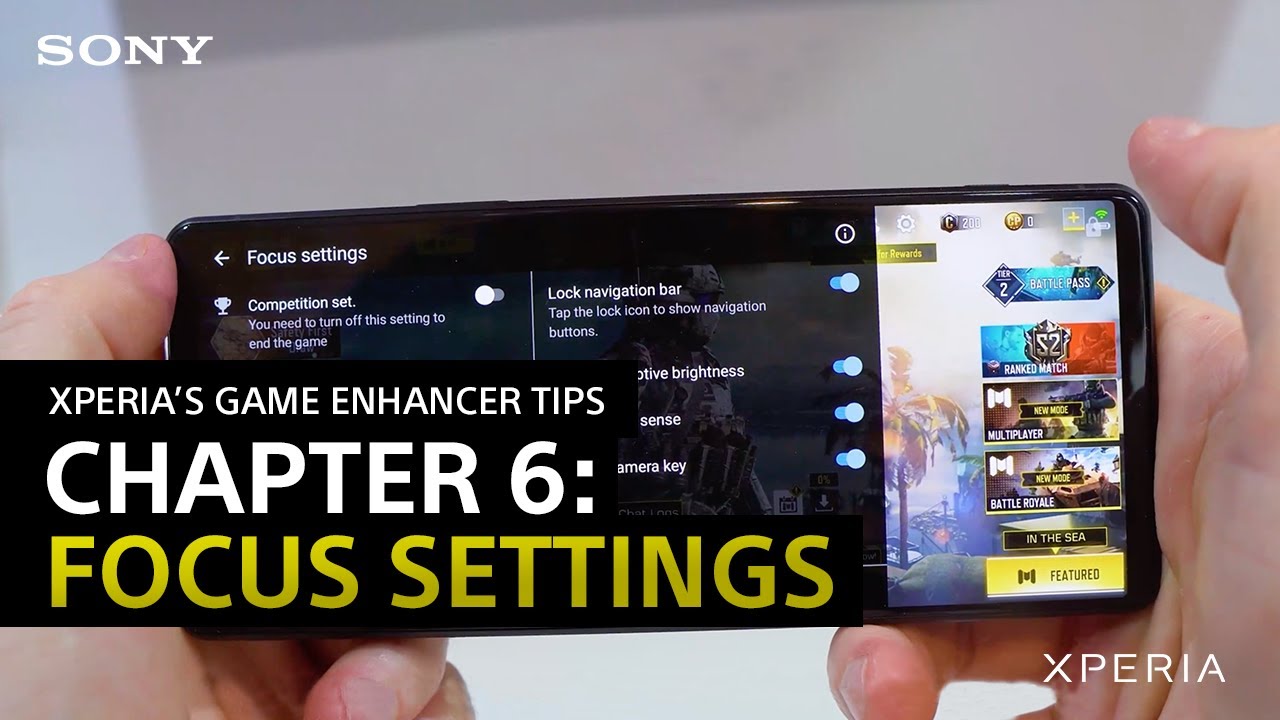
Share epic moments with friends
Had a legendary gaming moment? Save it and share it using the RT record (Rewind time record), which pre-records 30 seconds of game footage. You'll never miss a moment, even if you've forgotten to turn on the screen recording feature.

Capture mementoes
Prefer screenshots to videos? Try the Burst feature in the Game Enhancer app for silky smooth images during fast or slow-paced gameplay. Burst shooting captures twenty screenshots per second, so say goodbye to blurry screenshots.
Record gaming sessions
Capture gameplay footage at up to 120 fps, turn your front facing camera for broadcasts or use the voice changer to distort your sound for a bit of fun and mystery.
Multitask while gaming
Surf the web, head over to YouTube, or peruse through apps while playing your game.