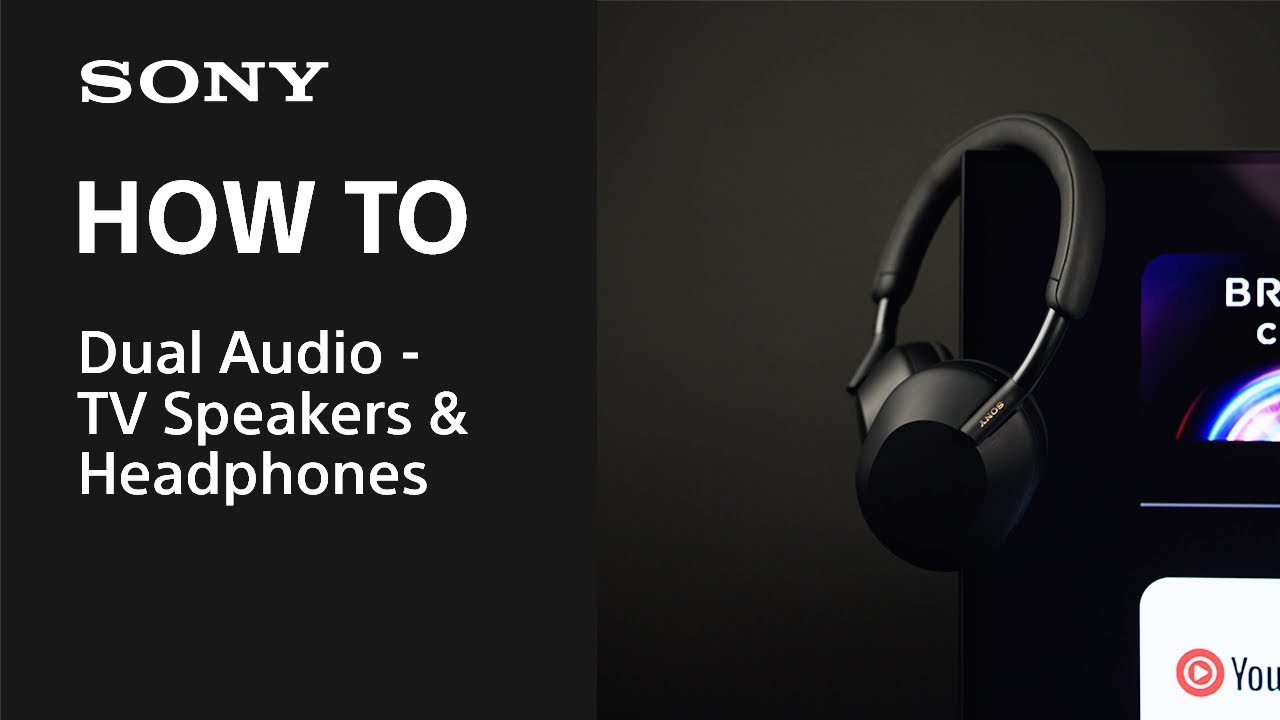
How to hear sound from both your TV speakers and audio devices at the same time (dual audio output)
IMPORTANT: This article applies only to specific products and/or operating systems. Check Applicable Products and Categories for details.
It's possible to hear sound from both your TV speakers and audio device (e.g. headphones, soundbar) at the same time. However, the setup procedure depends on your TV model and connection method.
Before you start
- Choose your TV model: Refer to this article to help identify your TV type (Google TV, Android TV, or other).
- Confirm dual audio compatibility: Some TV models don't support simultaneous audio output. Refer to your TV manual for details.
- Check the BRAVIA Connectivity Guide for detailed instructions on how to connect an audio device to your TV.
How to connect your TV and audio device
To begin, select your TV model type below:
For Google TVs
For Android TVs
For other TVs
Register your product
Get access to all information, keep your product up to date and enjoy great deals
Sony Community
Visit our Community and share your experiences and solutions with other Sony customers
Contact support
Contact your Sony Support team
Repair, Warranty & Spare Parts
Book, track or maybe even avoid a repair
Support by Sony (Mobile App)
Never miss an update again! Find information and receive instant notifications about your product

