How to control your TV using the Sony | BRAVIA Connect app or Google TV™ app
If you misplace your remote, or find it difficult to operate, you can use the Sony | BRAVIA Connect app or Google TV app to turn your smartphone into a remote control.
Note: The supported models for the Sony | BRAVIA Connect and Google TV apps differ. For details, please check the Supported products list at the beginning of each app section below.
Table of contents
Using the Sony | BRAVIA Connect app
You can easily control your TV via your smartphone. Simply install the Sony | BRAVIA Connect app on your smartphone and pair it with the TV.
Supported products
The Sony | BRAVIA Connect app is only compatible with the following TV models:
- BRAVIA 9 (XR90)
- BRAVIA 8 (XR80)
- BRAVIA 8 II (XR80)
- BRAVIA 7 (XR70)
- BRAVIA 5 (XR50)
- BRAVIA 3 (S30) *1
- BRAVIA 2 II (S20)
- A95L series *2
(*1) If you purchased your BRAVIA 3 (S30) in Mainland China or Europe, you can use this application without updating the software on your TV. For customers in other regions, this application will be supported in a future software update. Please wait for the software update for your TV.
(*2) To use this feature, update your A95L series TV to the latest software.
For a complete list of all supported models, including TVs and audio products, please refer to this article: Sony | BRAVIA Connect app compatible models.
Note: To use the Sony | BRAVIA Connect app, you need to log in to your Google Account on the TV.
Sony | BRAVIA Connect app features
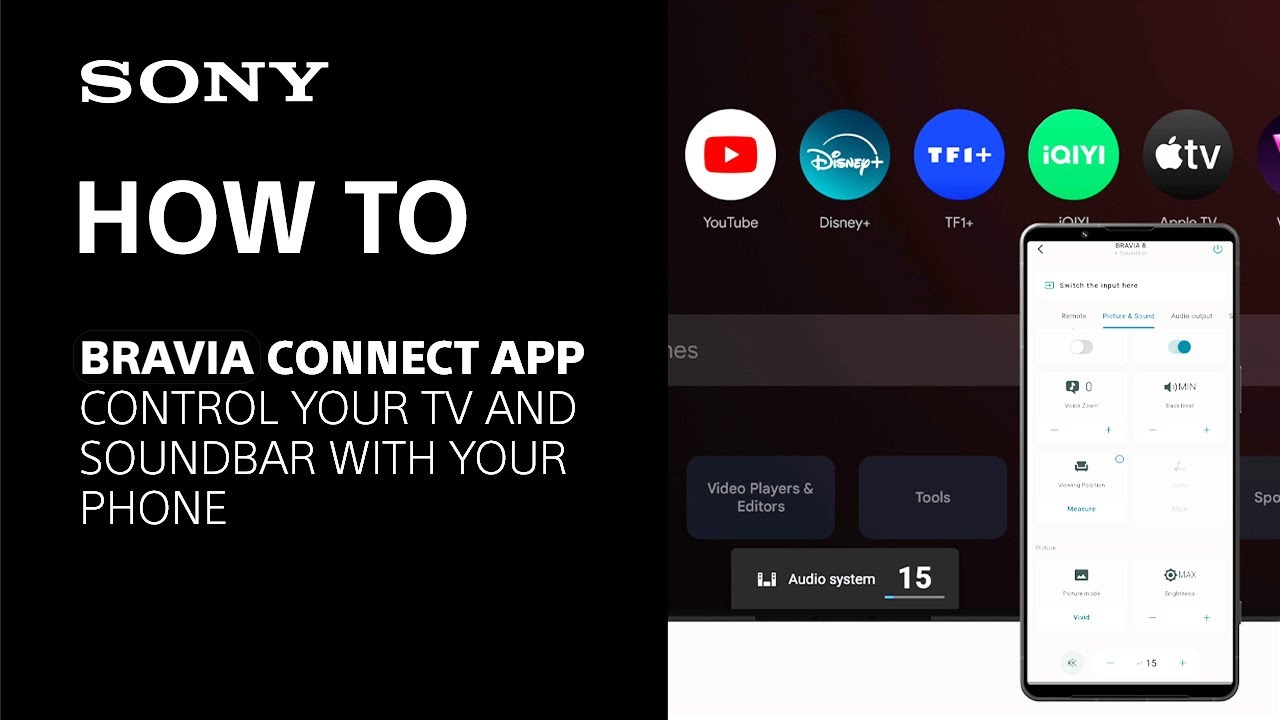
How to set up the Sony | BRAVIA Connect app remote control
How to use the Sony | BRAVIA Connect app remote control
Using the Google TV app
You can easily control your TV via your smartphone. Simply install the Google TV app on your smartphone and pair it with the TV.
Supported products
Please check the Applicable Products and Categories of This Article section at the top for a complete list of compatible TV models.
Note: To use the Google TV app, you need to log in to your Google Account on the TV.
Google TV app features
How to set up the Google TV app remote control
How to use the Google TV app remote control
Register your product
Get access to all information, keep your product up to date and enjoy great deals
Sony Community
Visit our Community and share your experiences and solutions with other Sony customers
Contact support
Contact your Sony Support team
Repair, Warranty & Spare Parts
Book, track or maybe even avoid a repair
Support by Sony (Mobile App)
Never miss an update again! Find information and receive instant notifications about your product

