
CMU-BC1 I BRAVIA CAM
cmubc1.ce7
Discover new ways to enjoy TV with BRAVIA CAM
Discover new ways to enjoy TV with BRAVIA CAM
Sony Original Guarantee
Free Shipping over £45
Free & Easy Returns
Sony Price Matching


Features

Ambient Optimization Pro
Connect the Sony BRAVIA CAM to your BRAVIA XR TV and enjoy television like never before. BRAVIA CAM recognises where you are in the room and how far you are from the TV, then adjusts sound and picture settings so they're just right. This means audio - including dialogue - is clearer and more immersive with picture brightness tailored to your viewing environment.
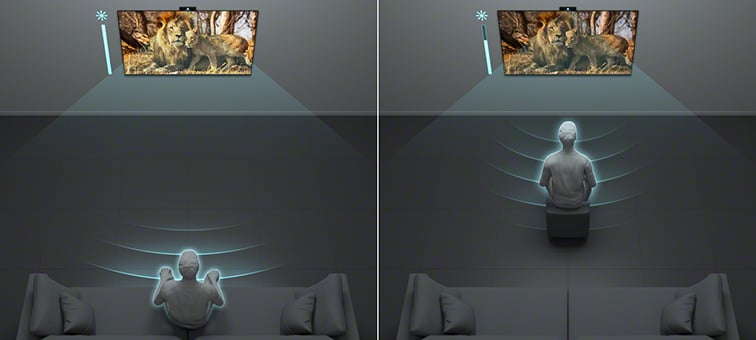
Picture Auto Calibration
Detecting the distance between you and your TV, BRAVIA CAM adjusts TV brightness so you’ll always enjoy perfect picture quality, no matter where you are in the room. A light and colour sensor in the TV optimises pictures to light conditions for the best possible viewing experience.
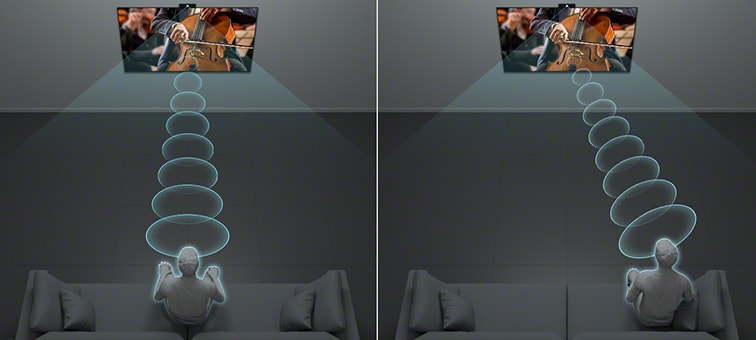
Sound Auto Calibration - L/R balance adjustment
BRAVIA CAM follows you and your position, even if you are watching from the sides, then adjusts left and right sound balance for optimum acoustics. Wherever you are in the room, you'll enjoy the same sound quality as if you're sitting right in front of the TV.
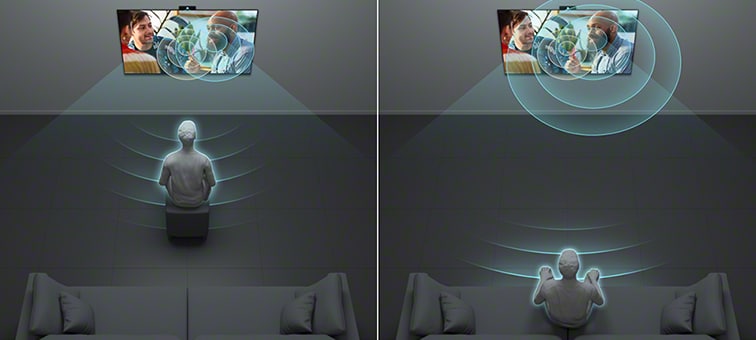
Sound Auto Calibration - Auto Voice Zoom
By detecting your viewing distance, BRAVIA CAM is able to adjust voice zoom automatically so you can hear dialogue clearly. The volume of TV dialogue increases when you move away from the TV and decreases when you get closer.
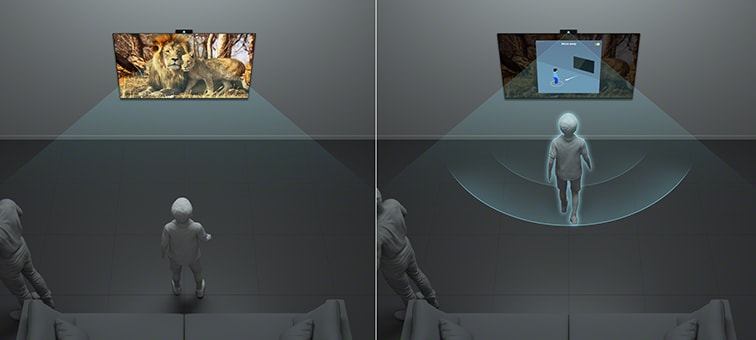
Proximity Alert
Proximity Alert allows you to set a recommended viewing distance for your child and alerts you if they get too close to the TV.
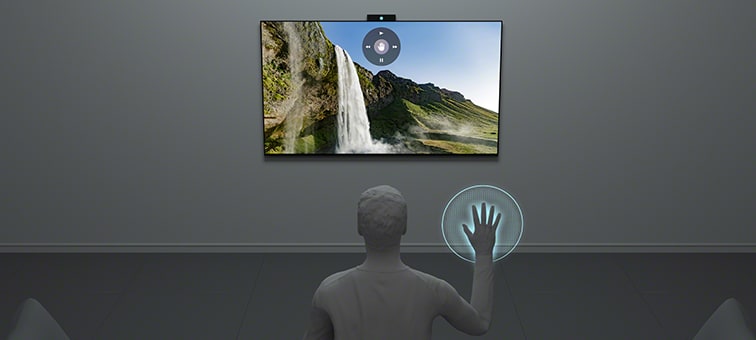
Gesture Control
Gesture Control enables you to change channels, adjust volume and more using simple gestures, no remote required.
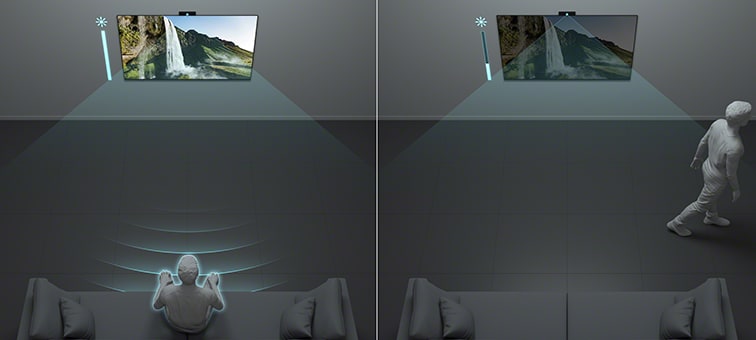
Auto Power Saving Mode
Auto Power Saving Mode optimises your power consumption by darkening the screen automatically when you are not in front of the TV.

Video communication
Catch up with your friends and family on the big screen. Enjoy more fun when you pair your TV with BRAVIA CAM.
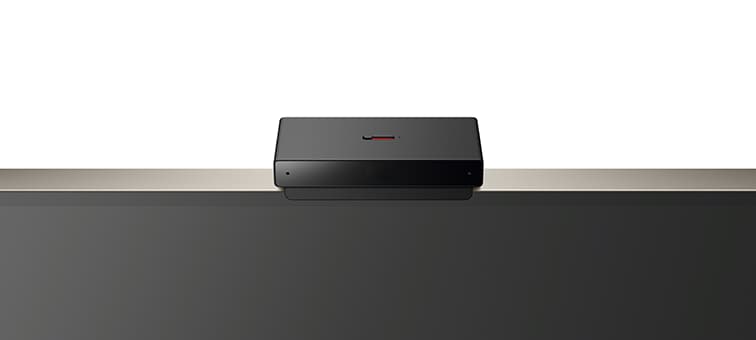
Easy to connect, easy to close
Connecting BRAVIA CAM to your BRAVIA TV is quick and easy via USB. Use the camera cover switch on top of BRAVIA CAM to close the camera cover if you want more privacy at any time.
Information on security updates: click the link below to find the security support period for your Sony product
https://www.sony.co.uk/electronics/support/articles/00304000
Finance available on eligible purchases, representative example 9.9% APR (variable)
Sony Europe B.V. is an appointed representative of https://www.itccompliance.com/ which is authorised and regulated by the Financial Conduct Authority (their registration number is 313486). Permitted activities include acting as a credit broker not a lender.
We can introduce you to a limited number of finance providers and do not charge fees for our Consumer Credit services. All finance applications are subject to status, terms and conditions apply. UK residents and over 18’s only.
VAT registration number: GB636110080