What are the button functions of my Sony TV remote control?
This article covers the latest Sony TV remote, its buttons, and their functions. However, the most important buttons and their functions are standard for most TV remotes!
Don’t worry; a selection of remotes is at the bottom of this article. Click on the image that best matches your remote to view all button functions in the Help Guide.
Understanding your remote control buttons
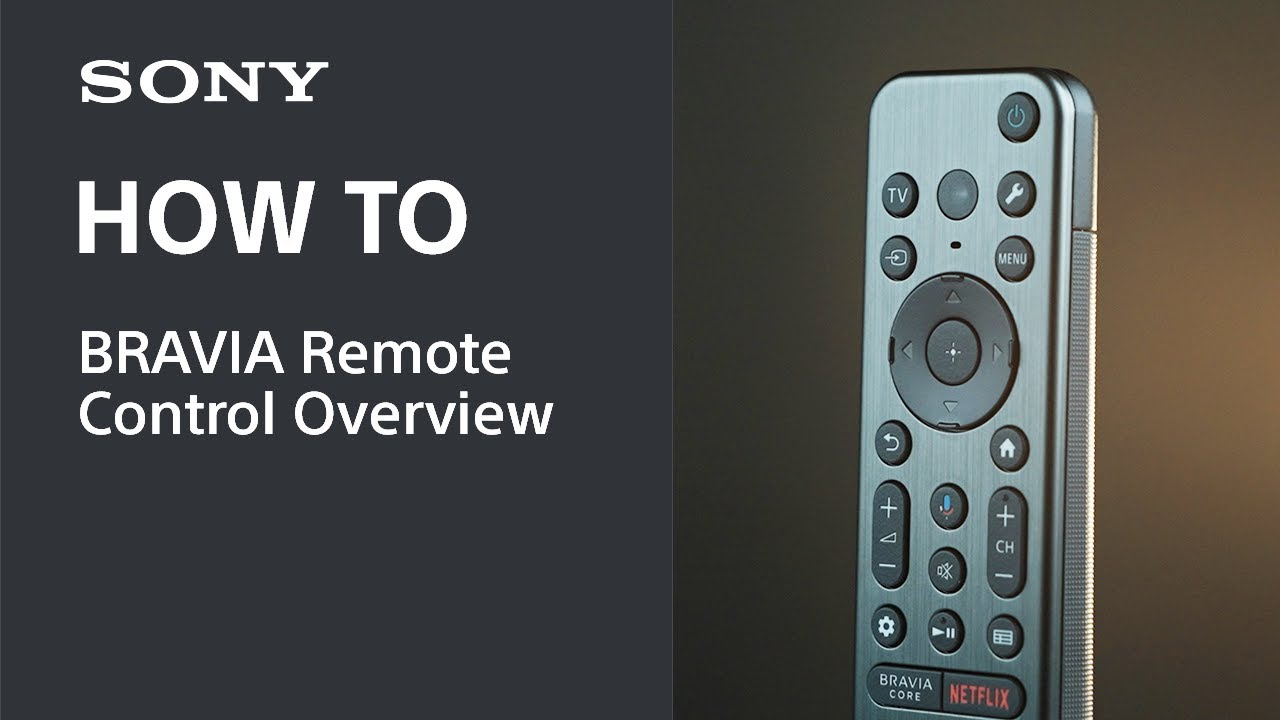
Check out this video tutorial to learn about the functions of the new TV remote, or you can refer to the descriptions below.
If you want to learn about subtitle display, you can refer to this FAQ:
How to display or adjust Closed Captions/Subtitles
Understanding your remote control - Power, TV, and Settings
 (Power)
 (MIC)
(MIC) /
/ (Quick Settings)
Understanding your remote control - Input, navigation, MENU, 123, and Home
 (Input select)
 (Up) /
  (Down) /
  (Left) /
  (Right) /
  (Enter) (Navigation D-Pad)
 (BACK)
 (HOME)
Understanding your remote control - Volume, Channel, and Google Assistant
 +/- (Volume) CH +/- (Channel) and
  (Mute)
 (Google Assistant)/
 (Microphone)
Understanding your remote control - Play, Pause, Guide, and Streaming apps
 (Play) /
  (Pause)
 (Guide)
 (Dashboard)
Remote control overview
- Click on the remote control image to visit the remote help guide. Each guide explains all the upper, middle, and lower buttons.
- If your remote control is not the one displayed below, you can refer to this FAQ:
How can I find support information about the remote control bundled with my TV?
Having issues with your TV remote control?
Register your product
Get access to all information, keep your product up to date and enjoy great deals
Sony Community
Visit our Community and share your experiences and solutions with other Sony customers
Contact support
Contact your Sony Support team
Repair, Warranty & Spare Parts
Book, track or maybe even avoid a repair
Support by Sony (Mobile App)
Never miss an update again! Find information and receive instant notifications about your product

